
Fake customer service: accounts and chatbots posing as your bank
Fake "customer service" accounts use the bank's logo, reply fast and politely, then ask for your OTP code or PIN. Banks never ask for these. Contact your bank only through its official number.
4 min readUpdated 7 November 2026
What happened
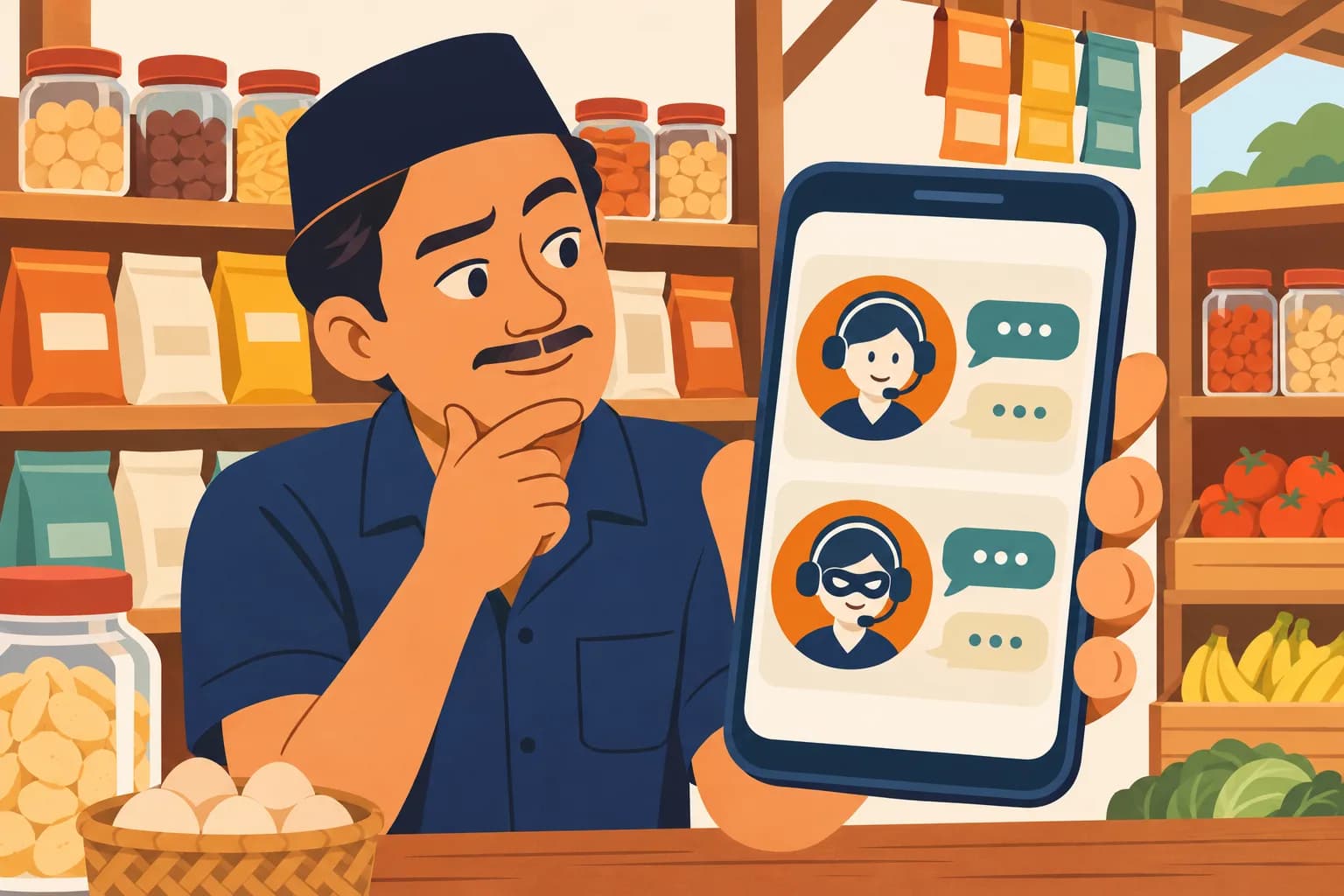
Pak Udin, who runs a grocery shop, couldn't log in to his mobile banking app. He posted a complaint on social media and tagged his bank. Five minutes later an account with the bank's logo replied by private message, politely and neatly: "We apologise for the trouble, Sir. To verify, please fill in the form at this link and tell us the OTP code you receive."
Pak Udin almost filled it in. Then he remembered: banks never ask for an OTP. He turned over his ATM card, called the number printed there, and the problem was solved in ten minutes. The account that had replied was fake.
Why is it harder to tell apart?
Fake accounts use the bank's name and logo, but the username is different and the follower count looks odd. They usually ask you to contact another number or fill in a form through an outside link. With AI, their replies can be as fast and tidy as real customer service. The FBI notes that AI helps criminals remove the mistakes that used to give fraud away.
What they can't copy are the bank's own rules. BCA, BRI, Mandiri and BNI all state that their staff never ask for your PIN, password, OTP code or the card's CVV/CVC code.
Warning signs
- "Customer service" asks for an OTP code, PIN, password, User ID or the three digits on the back of your card (CVV/CVC).
- You are sent to a form or link whose address is not the bank's official website.
- The phone number puts 021 or +62 in front of the call-centre number, or it is an ordinary mobile number without a blue tick.
- You are asked to install a "remote" app such as AnyDesk or TeamViewer so they can "help from a distance".
- The account contacted you first, after you complained on social media.
Rules for your shop
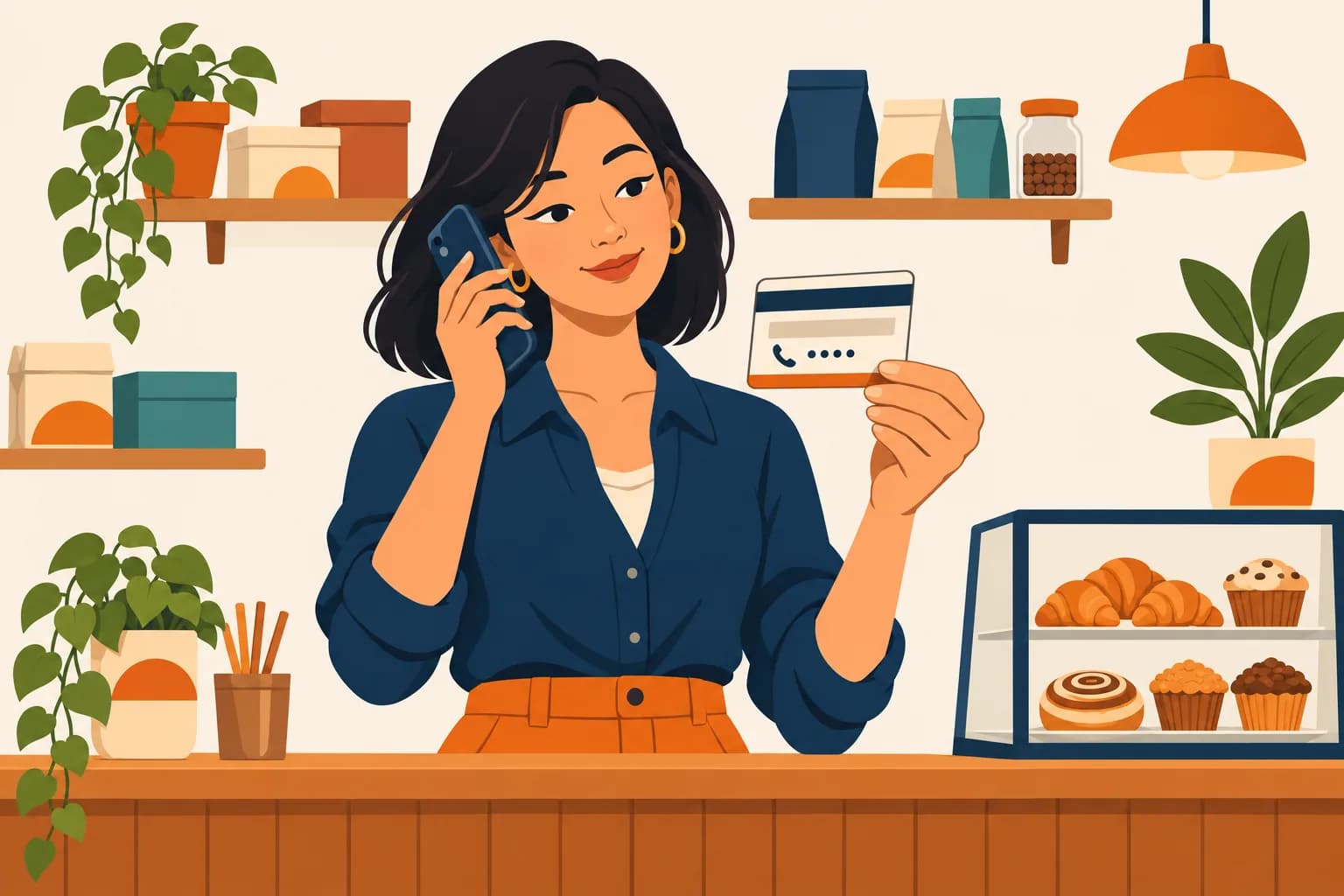
- Take the bank's number from the back of your ATM card or the bank's official website, not from search results, ads, comments or private messages. BNI specifically warns against looking for help through search engines.
- Save your bank's official number in your phone now: Halo BCA 1500888 (WhatsApp 08111500998 with a blue tick), Contact BRI 1500017, Mandiri Call 14000, BNI Call 1500046. No 021 or +62 in front.
- OTPs, PINs and passwords are never said or typed for anyone. Including someone who says they are from the bank.
- Never install a remote-access app because "customer service" asked. BNI asks customers not to install AnyDesk or TeamViewer.
- Complain through official channels, not in comments. A public complaint invites fake accounts to come and offer help.
If it already happened
- If you gave out an OTP, PIN or password: call your bank on its official number right away and ask them to block the account, card or app access.
- If you installed a remote-access app, remove it and disconnect the phone or computer from the internet.
- Change your mobile banking PIN and password from a safe device once the bank lifts the block.
- If money is missing, report it to the Indonesia Anti-Scam Centre at iasc.ojk.go.id or through your bank.
Full steps for the first hour: Already been scammed?
Share it with your family and staff groups
Scams work best on people who have never heard of the pattern. One message can stop one.
Send on WhatsAppSources
- Jangan Tertipu Nomor Palsu yang Mengaku dari Halo BCA · BCA · 14 July 2025
- Waspada Penipuan Mengatasnamakan BCA: Kenali Modus SMS, Nomor, dan Akun Media Sosial Palsu · BCA Prioritas · 29 July 2026
- Marak Penipuan Digital, BRI Ingatkan Nasabah Kenali Kanal Resmi · Kontan · 1 October 2026
- Waspada Modus Penipuan Berkedok Pembatalan Transaksi · Bank Mandiri · 19 August 2025
- Waspada Modus Penipuan Digital, BNI Imbau Nasabah Jaga Data Sensitif · CNBC Indonesia · 6 May 2026
- Hubungi Kami (salinan arsip) · BNI · 9 May 2026
- Criminals Use Generative Artificial Intelligence to Facilitate Financial Fraud (PSA I-120324-PSA) · FBI Internet Crime Complaint Center · 3 December 2024
Updated 7 November 2026. This article is general education, not legal advice. Official numbers and addresses can change: always check the institution's official website.